
Zabbix Push Notifications
Updated on May 16, 2026
Git Repository
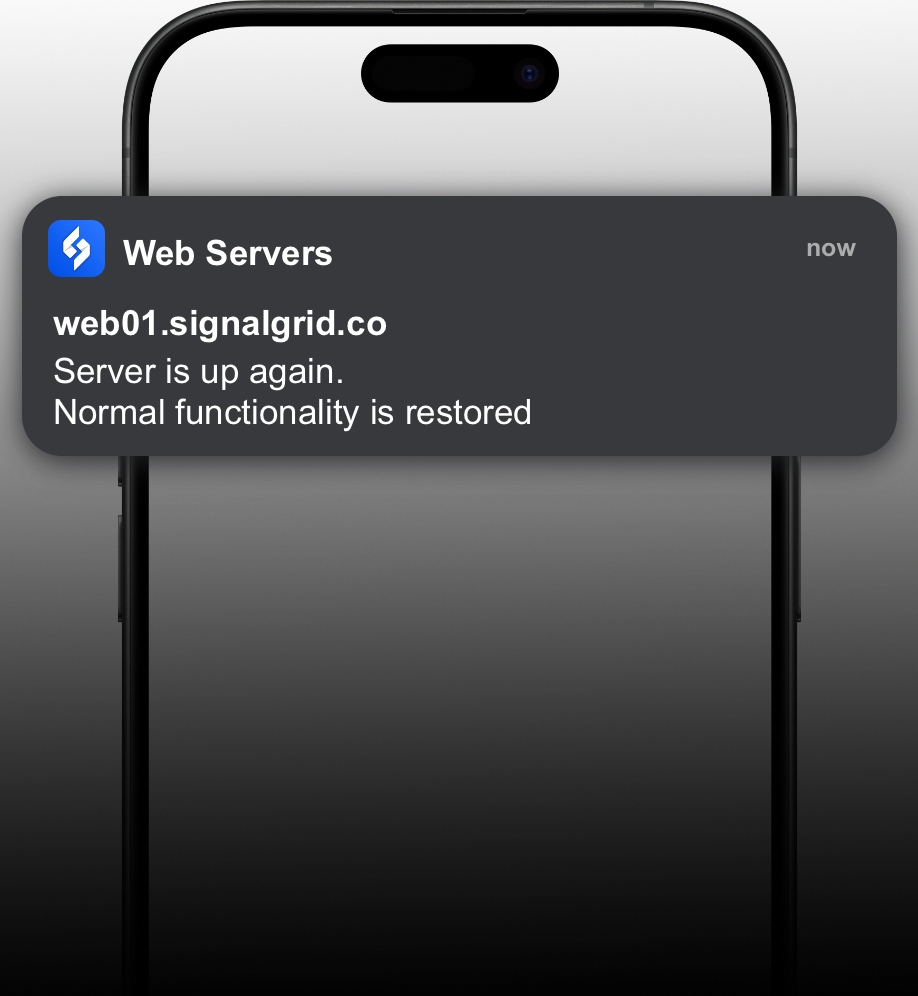
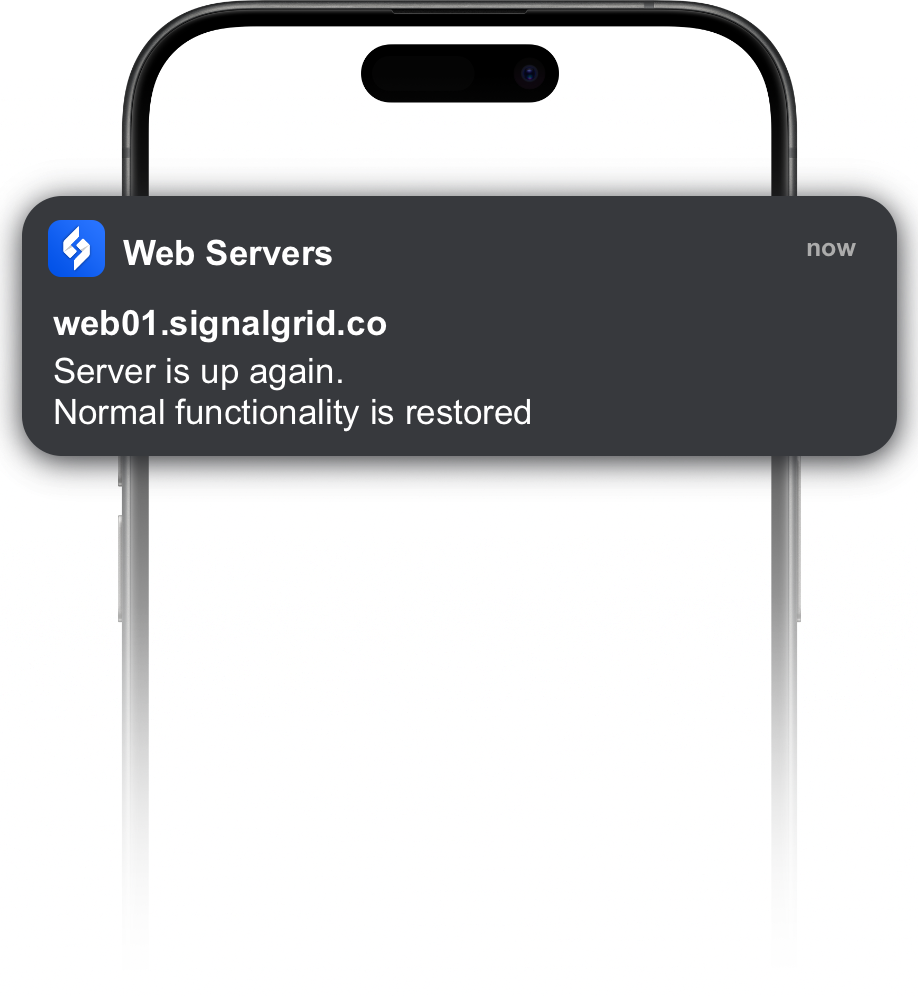
The Signalgrid Zabbix integration provides a webhook media type that forwards Zabbix alerts and event notifications to the Signalgrid push notification API. This allows Zabbix alerts to be delivered directly to your mobile devices.
Download the webhook media type file media_signalgrid.xml and import it
You should now see a media type called Signalgrid.
Create the {$SIGNALGRID_CHANNEL} macro and set it to your Signalgrid channel token.
You can do that in several places:
The Signalgrid Client Key is configured in the user media settings.
Configure an action that sends alerts using the Signalgrid media type.
The webhook automatically maps Zabbix event severity to Signalgrid notification types.
If the severity is 5+, the webhook sends it as a critical notification which can bypass Do Not Disturb and appears as a critical alert.
{$SIGNALGRID_CHANNEL} macro