
Learn how to send host and service alerts from Nagios
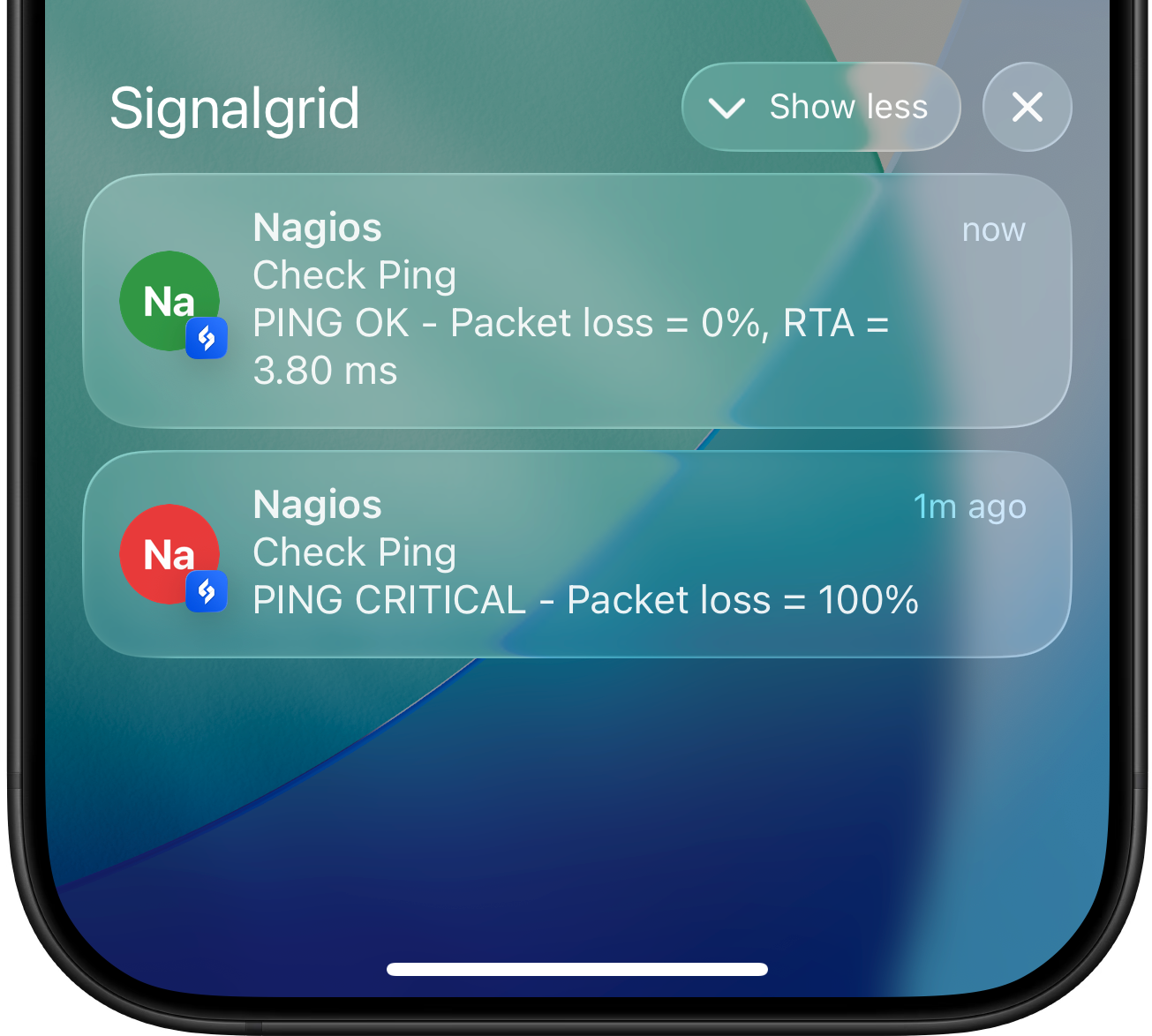
Nagios is powerful for monitoring, but alerting is not its strong suit.
Signalgrid adds a fast and modern mobile layer so your Nagios host and service alerts arrive instantly on iPhone, Android, and the web.
This allows you to receive monitoring alerts directly on your devices when hosts or services change state.
Prerequisites
- curl must be installed to send API requests
- The script must be executable by the nagios user
Installation
Bash
# Download the latest version
git clone https://github.com/signalgridco/signalgrid-nagios.git
# Copy the script to /usr/local/bin
cp signalgrid-nagios/signalgrid-notify.sh /usr/local/bin/
# Make the script executable
chmod +x /usr/local/bin/signalgrid-notify.sh
# Edit the script and insert your credentials
CLIENT_KEY="[your-client-key]"
CHANNEL_TOKEN="[your-channel-token]"
Get your credentials here
Define Notification Commands
Add the following commands to your Nagios configuration:
Bash
define command {
command_name notify-service-signalgrid
command_line /usr/local/bin/signalgrid-notify.sh "$SERVICEDESC$ on $HOSTNAME$ is $SERVICESTATE$" "$SERVICEOUTPUT$" "$SERVICESTATE$" "false"
}
define command {
command_name notify-host-signalgrid
command_line /usr/local/bin/signalgrid-notify.sh "Host $HOSTNAME$ is $HOSTSTATE$" "$HOSTOUTPUT$" "$HOSTSTATE$" "false"
}
Assign the Notification Commands
Attach the commands to a contact definition:
Bash
define contact {
contact_name signalgrid_user
alias Signalgrid User
service_notification_commands notify-service-signalgrid
host_notification_commands notify-host-signalgrid
}
Assign the Contact to a Service
To actually receive alerts, assign that contact to the services that should send notifications:
Bash
define service {
use generic-service
host_name web01
service_description HTTP
check_command check_http
contacts signalgrid_user
notifications_enabled 1
}
The same approach also works for host definitions. If you prefer using contact groups, assign the matching contact_groups entry instead of contacts.
Script Arguments
The script accepts four positional arguments:
Argument
Description
$1Title of the notification
$2Message body or plugin output
$3State:
OK, UP, WARNING, CRITICAL, or DOWN$4Critical flag:
true or falseNagios state mapping
Nagios host and service states are automatically mapped to the corresponding Signalgrid notification type to reflect the severity of each alert.
Nagios state
Signalgrid type
OK / UP
SUCCESS
WARNING
WARN
CRITICAL / DOWN
CRIT
Any other state
INFO
Manual Testing
You can verify the integration directly from the command line:
Bash
/usr/local/bin/signalgrid-notify.sh \
"Test Alert" \
"Manual test from terminal" \
"CRITICAL" \
"false"