
Zabbix Push Notifications

Updated on March 29, 2026 Git Repository
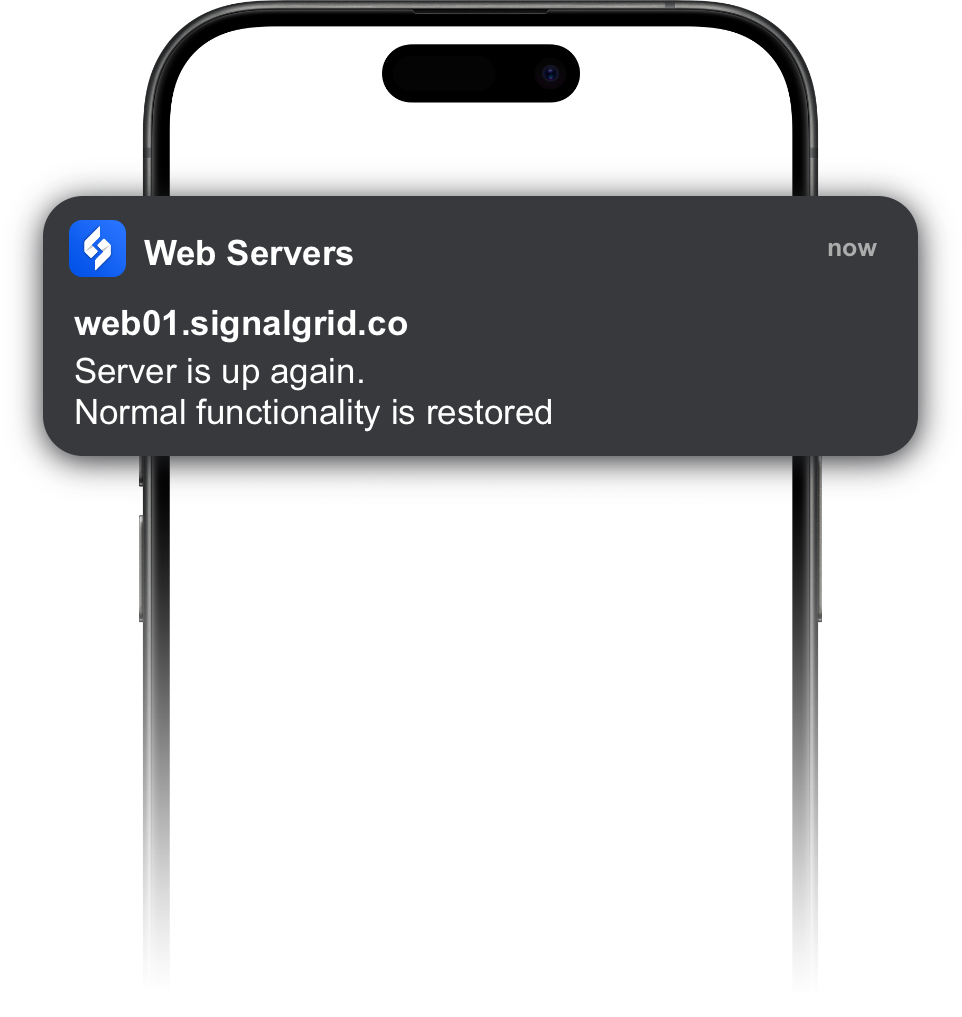
Send Signalgrid push notifications from Zabbix
to instantly notify your iOS and Android devices about monitoring events.

The Signalgrid Zabbix integration provides a webhook media type that forwards Zabbix alerts and event notifications to the Signalgrid push notification API. This allows Zabbix alerts to be delivered directly to your mobile devices.

Requirements

  • Zabbix with Webhook media types
  • A Signalgrid account
  • Your Signalgrid Client Key
  • Your Signalgrid Channel Token

Import the Media Type

Download the webhook media type file:

media_signalgrid.xml

In the Zabbix interface:

  • Go to Alerts → Media types
  • Click Import
  • Select the media_signalgrid.xml file

You should now see a media type called Signalgrid.

Set the Channel Macro

Create the following macro and set it to your Signalgrid channel token:

{$SIGNALGRID_CHANNEL}

You can define the macro in several places:

  • Global: Administration → General → Macros
  • Host: Data collection → Hosts → Host → Macros
  • Template: Configuration → Templates → Template → Macros

Add the Media Type to a User

The Signalgrid Client Key is configured in the user media settings.

  • Go to Users → Users
  • Open the user
  • Add a new Media entry
Field
Value
Type
Signalgrid
Send to
Your Signalgrid Client Key
Enabled
Yes

Use the Media Type in an Action

Configure an action that sends alerts using the Signalgrid media type.

  • Go to Alerts → Actions
  • Create or edit an action
  • Add an operation that sends a message to the user or user group

Severity Mapping

The webhook automatically maps Zabbix event severity to Signalgrid notification types.

Zabbix Event
Signalgrid Notification
Recovery ({EVENT.VALUE} == 0)
SUCCESS
Severity 5+
CRIT + critical=true
Severity 4
CRIT
Severity 2–3
WARN
Severity 0–1
INFO

If the severity is 5+, the webhook sends it as a critical notification which can bypass Do Not Disturb and appears as a critical alert.

Troubleshooting

Problem
Solution
client_key missing
Put your Client Key in the user media Send to field
channel missing
Set the {$SIGNALGRID_CHANNEL} macro
notifications not sending
Check outbound HTTPS access and verify your Client Key and channel token

Related Documentation