Signalgrid WordPress Plugin
Updated on March 29, 2026
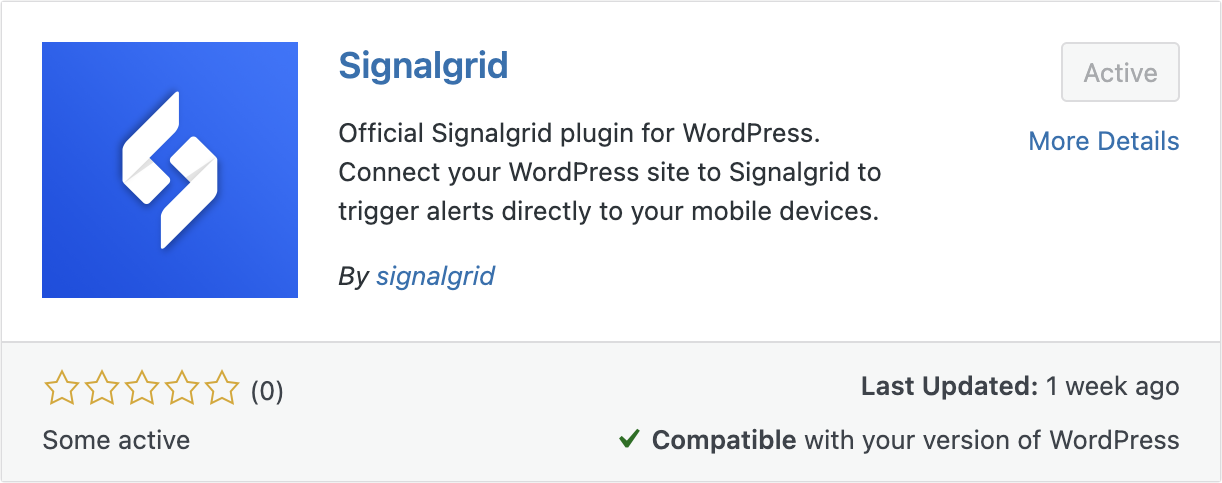
Signalgrid adds a small integration layer to WordPress so your code can send push notifications through Signalgrid.
After you enter your Client Key in the admin settings, you can call a single PHP function to dispatch a notification
to a target channel.
/wp-content/plugins/Configuration is intentionally simple. In the WordPress admin area, open the plugin settings page and enter your Signalgrid Client Key. This key is used to authenticate notification requests made through the plugin.
Notification routing is controlled per call by providing a channel value to the function.
This means you can send different notifications to different channels depending on the use case.
The plugin exposes a global function that can be called from themes or other plugins. Use it inside hooks, cron tasks, or custom business logic whenever you want to send a notification.
signalgrid_notify(
    string $channel,
    string $title,
    string $body,
    string $severity,
    bool $critical
): bool$channel: Destination channel token$title: Short title text$body: Main message content$severity: Severity label such as INFO, WARN, or CRIT$critical: Marks the notification as critical/high priority
Returns true if the plugin reports the request was accepted, otherwise false.
Treat false as a send failure and log details in your application.
<?php
$channel  = 'YOUR_CHANNEL_TOKEN';
$title    = 'Job finished';
$body     = 'The nightly import completed successfully.';
$severity = 'INFO';
$critical = false;

$ok = signalgrid_notify($channel, $title, $body, $severity, $critical);

if ( ! $ok ) {
    error_log('Signalgrid notification failed to send.');
}
?><?php
add_action('myplugin_nightly_task_failed', function( $error_message ) {
$channel = 'YOUR_CHANNEL_TOKEN';
$title = 'Nightly task failed';
$body = $error_message;
$severity = 'CRIT';
$critical = true;
signalgrid_notify($channel, $title, $body, $severity, $critical);
});
?><?php
add_action('wp_login_failed', function( $username ) {
$key = 'sg_failed_logins_' . md5($username . '|' . wp_get_session_token());
$count = (int) get_transient($key);
$count++;
set_transient($key, $count, 10 * MINUTE_IN_SECONDS);
if ( $count >= 5 ) {
$channel = 'YOUR_CHANNEL_TOKEN';
$title = 'Multiple login failures';
$body = 'Username: ' . $username . ' — ' . $count . ' failures in 10 minutes.';
$severity = 'WARN';
$critical = false;
signalgrid_notify($channel, $title, $body, $severity, $critical);
}
});
?>