Sending Notifications with Python
Updated on March 29, 2026
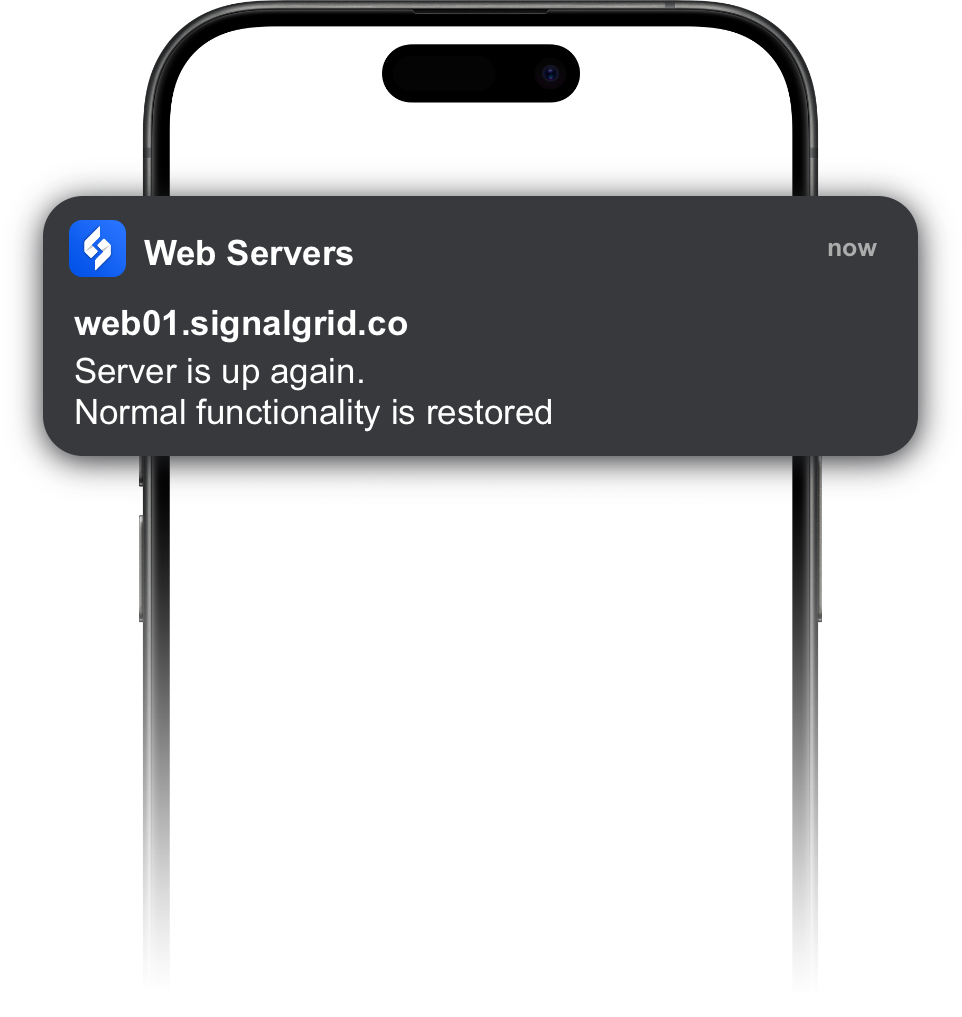
Signalgrid provides an official Python library that allows you to send notifications from scripts, services, and automation workflows.
The library works well with:
Repository: https://github.com/signalgridco/signalgrid-python
Install the Signalgrid Python package using pip:
pip install signalgridThis installs the Signalgrid client library and its dependencies.
To send a notification, create a Signalgrid client and call send().
from signalgrid import Client

client = Client("YOUR_CLIENT_KEY")

response = client.send({
    "channel": "YOUR_CHANNEL_TOKEN",
    "title": "Server Alert",
    "body": "Database connection lost",
    "type": "CRIT",
    "critical": True
})

print(response)channeltitlebodytypeINFO, WARN, CRIT, SUCCESS)
criticalExample types:
"type": "INFO"
"type": "WARN"
"type": "CRIT"
"type": "SUCCESS"The following example sends a notification when a script finishes.
from signalgrid import Client

client = Client("YOUR_CLIENT_KEY")

client.send({
    "channel": "YOUR_CHANNEL_TOKEN",
    "title": "Backup Completed",
    "body": "Nightly backup finished successfully",
    "type": "SUCCESS"
})from signalgrid import Client
client = Client("YOUR_CLIENT_KEY")
client.send({
"channel": "YOUR_CHANNEL_TOKEN",
"title": "Server Down",
"body": "The web server stopped responding",
"type": "CRIT",
"critical": True
})This sends a critical alert that bypasses Do Not Disturb on supported devices.
Avoid hardcoding your client key.
Instead use environment variables:
import os
from signalgrid import Client

client = Client(os.getenv("SIGNALGRID_CLIENT_KEY"))
Example environment variable:
export SIGNALGRID_CLIENT_KEY=abc123