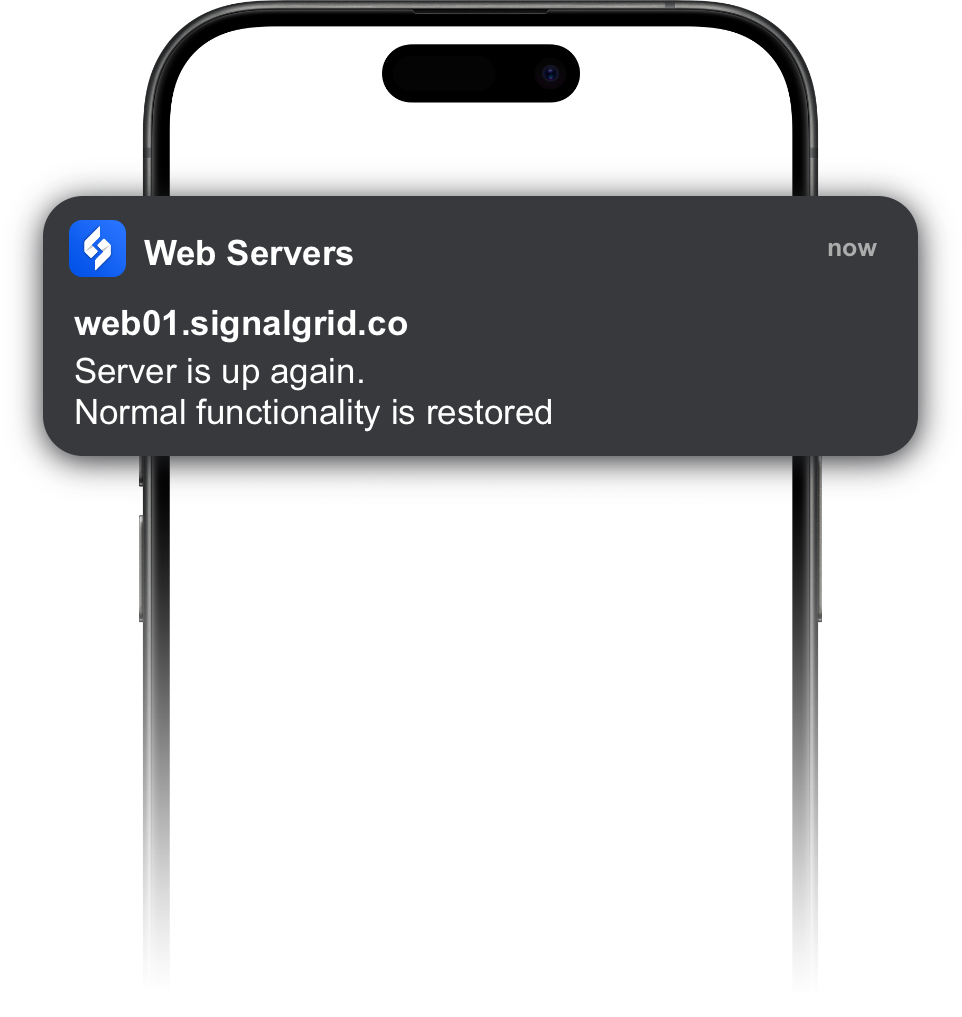
Signalgrid provides an official Node.js package for sending push notifications without manually building HTTP requests. It is a good fit for backend services, small scripts, workers, cron jobs, and deployment tooling.
The package is especially useful when you want a lightweight way to trigger alerts from Node.js without dragging in a full monitoring stack.
Install the Package
Install the official npm package:
npm install @signalgrid/signalgrid-pushThe package requires Node.js 18 or newer.
Basic Usage
Create a client with your Signalgrid client key, then call send() with the notification payload.
import Signalgrid from "@signalgrid/signalgrid-push";

const client = new Signalgrid("YOUR_CLIENT_KEY");

const response = await client.send({
  channel: "YOUR_CHANNEL_TOKEN",
  type: "info",
  title: "Deployment finished",
  body: "The latest deployment completed successfully.",
  critical: false
});

console.log(response);
Parameters
The Node.js package sends the same core fields as the Signalgrid Push API.
Parameter
Description
channelThe channel token that should receive the notification
typeThe notification severity, such as
info, warn, crit, or successtitleShort notification title shown on the receiving device
bodyThe main notification text
criticalSet to
true for urgent notifications on supported platformsExample: Script Failure
For scripts and background jobs, the package makes it easy to send a quick failure alert when something breaks.
import Signalgrid from "@signalgrid/signalgrid-push";

const client = new Signalgrid(process.env.SIGNALGRID_CLIENT_KEY);

await client.send({
  channel: process.env.SIGNALGRID_CHANNEL,
  type: "crit",
  title: "Backup failed",
  body: "Nightly backup exited with a non-zero status.",
  critical: true
});
Example: Deployment Update
Node.js is also a good fit for build tools, CI jobs, and deployment automation.
import Signalgrid from "@signalgrid/signalgrid-push";

const client = new Signalgrid(process.env.SIGNALGRID_CLIENT_KEY);

await client.send({
  channel: process.env.SIGNALGRID_CHANNEL,
  type: "success",
  title: "Release complete",
  body: "Version 2.4.0 is now live.",
  critical: false
});
Use Environment Variables
Do not hardcode secrets directly into your codebase. Keep the client key and channel token in environment variables instead.
export SIGNALGRID_CLIENT_KEY=your-client-key
export SIGNALGRID_CHANNEL=your-channel-token
Then access them in Node.js:
import Signalgrid from "@signalgrid/signalgrid-push";

const client = new Signalgrid(process.env.SIGNALGRID_CLIENT_KEY);
If you need lower-level request details or want to compare the package with raw API usage, the Push API documentation is the best next step.