Signalgrid Go Client
Updated on March 31, 2026
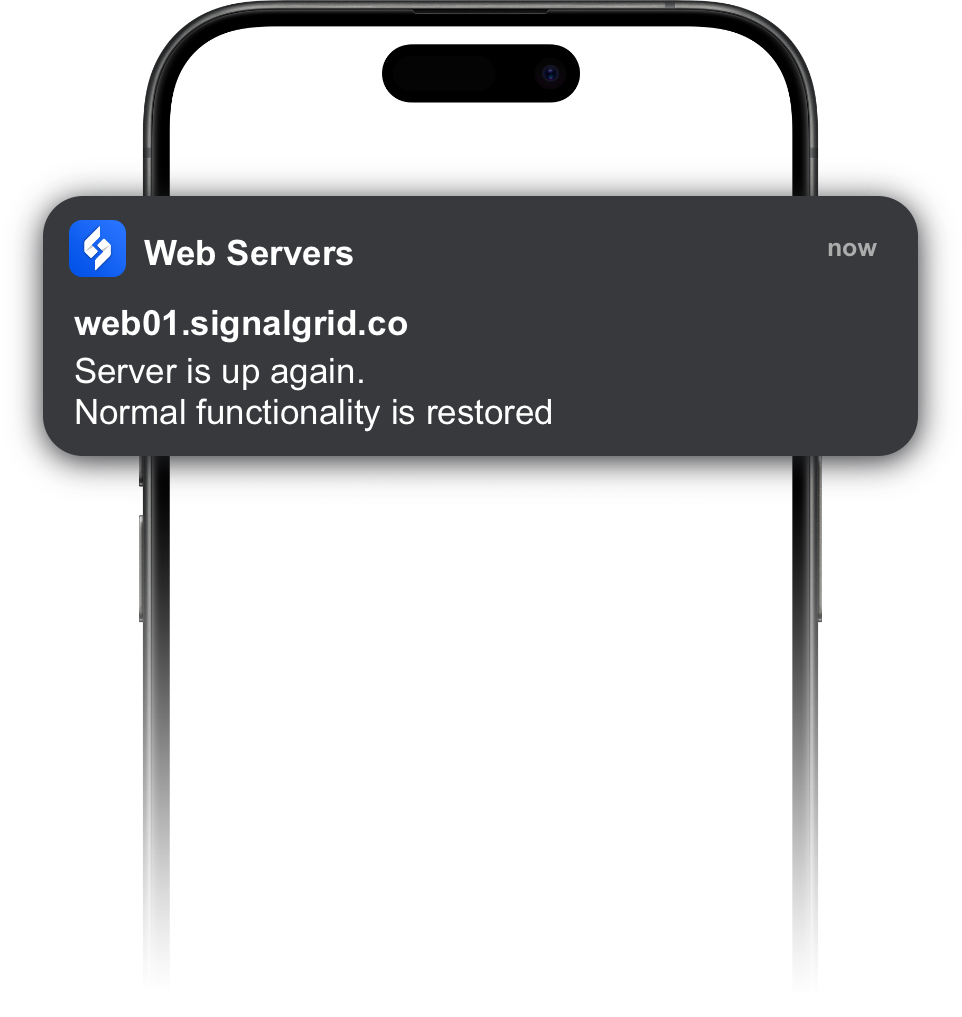
The Signalgrid Go client provides a simple way to send notifications from Go applications without manually handling HTTP requests. It wraps the Signalgrid API and allows you to send notifications using a clean and minimal interface.
Install the official Signalgrid Go client using go get:
go get github.com/signalgridco/signalgrid-goThe following example shows how to send a notification using the Go client:
package main

import (
    "fmt"
    "log"

    "github.com/signalgridco/signalgrid-go"
)

func main() {
    client, err := signalgrid.NewClient("YOUR_CLIENT_KEY")
    if err != nil {
        log.Fatal(err)
    }

    resp, err := client.Send(signalgrid.Message{
        Channel:  "CHANNEL_TOKEN",
        Type:     "INFO",
        Title:    "Hello from Go",
        Body:     "Sent from a Go app using go get.",
        Critical: false,
    })

    if err != nil {
        log.Fatal(err)
    }

    fmt.Println(resp)
}
The signalgrid.Message struct defines the notification:
ChannelTypeINFO, WARN, CRIT, SUCCESS).TitleBodyCriticalThe API returns a response containing request metadata:
{
    "ruuid":"09c2e7c68390458f9927c7564529d3599b906840",
    "text":"OK",
    "code":"200",
    "node":"dp02",
    "time":"380ms",
    "remaining":"99915"
}
The Go client internally sends a request to the Signalgrid API using
your client_key. It behaves exactly the same
as sending a request manually, but simplifies integration by handling
request formatting and response parsing for you.