Find your Channel Token
Updated on March 31, 2026
Since version 1.4.3, you can create as much channels as you like. No limits.
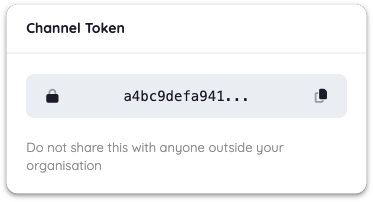
You can find the token inside the channel settings:
Every channel has its own token. That means a channel called Production Alerts has a different token than a channel called Deployments or Backups.
This makes it possible to route notifications cleanly by use case, environment, or team.
When sending a notification through the API, the channel token is passed as the channel parameter. Signalgrid then uses that token to decide where the notification should go.
Because channel tokens control where notifications are delivered, they should be handled like internal credentials rather than casual IDs.